
Record or import
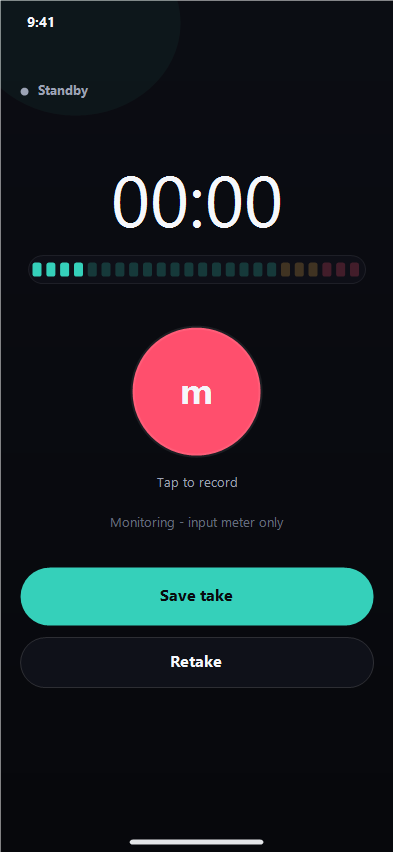
Capture a take from the iPhone mic or pull in any audio file through the iOS document picker.
Record, tune, and polish vocal takes on iPhone. Pitch correction, effects, and presets in one focused surface — no scattered tools, no desktop drag.
Everything in the pocket studio
Each control is tuned for vocals — the things you actually reach for when a hook needs to sound real.
Capture a take from the iPhone mic or pull in any audio file through the iOS document picker.
Slide between natural polish and hard-tuned, lock to a key, and keep the take feeling like you.
Brightness, compression, reverb, delay, de-esser, and cleanup — all on one focused surface.
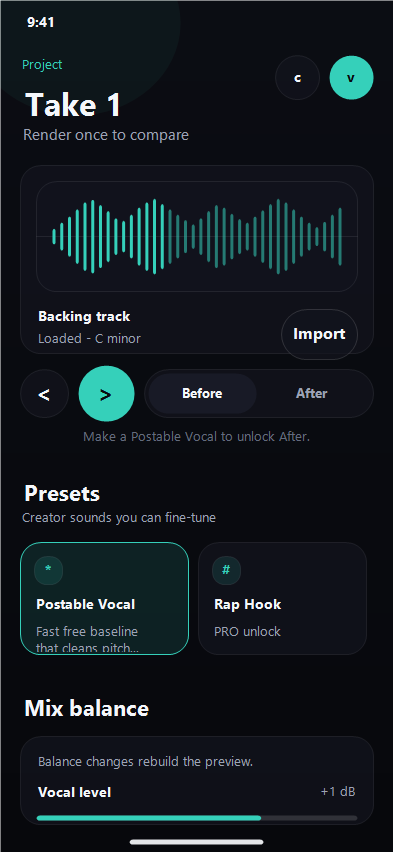
Pop, rap hook, acoustic demo, robotic — start from a vibe and tweak instead of starting from zero.
Preview the result and share through the iOS share sheet straight to your DAW, DM, or socials.
Recording and processing run on-device. Your audio is not uploaded to a cloud rendering service.
How it works
Three steps from idea to shareable take. No project setup. No plugin chain. No menus to dig through.
Start a take with the mic, or import an audio idea you already have.
Pick a preset, dial correction strength, then add space, color, and air.
Preview, render, and share the finished vocal anywhere iOS can send a file.
FAQ
VoiceLab Studio is built for iPhone running iOS 17 or later. It is iPhone-only — there is no iPad-optimized layout or desktop version.
Recording, importing, tuning, effects, preview, and export all run on-device. An internet connection is only needed for sign-in and subscription management.
Yes. The free tier includes monthly limits on projects, processing runs, and exports. Pro and Max subscriptions raise those limits.
Subscriptions are managed through your Apple ID. You can cancel at any time from iOS Settings and keep access until the end of the billing period.
Audio and project files stay in the app sandbox on your device unless you choose to share or export them. See the Privacy page for full details.
Capture the moment, polish the sound, and share it — all from your pocket.
Free to try · iPhone · iOS 17+